Give every shot a clear purpose
Use a simple shot plan to make the most of a short runtime.
In this article
A short video can move quickly when each shot does a distinct job. Make those jobs visible in the shot plan before generating anything.
Write a verb for each shot
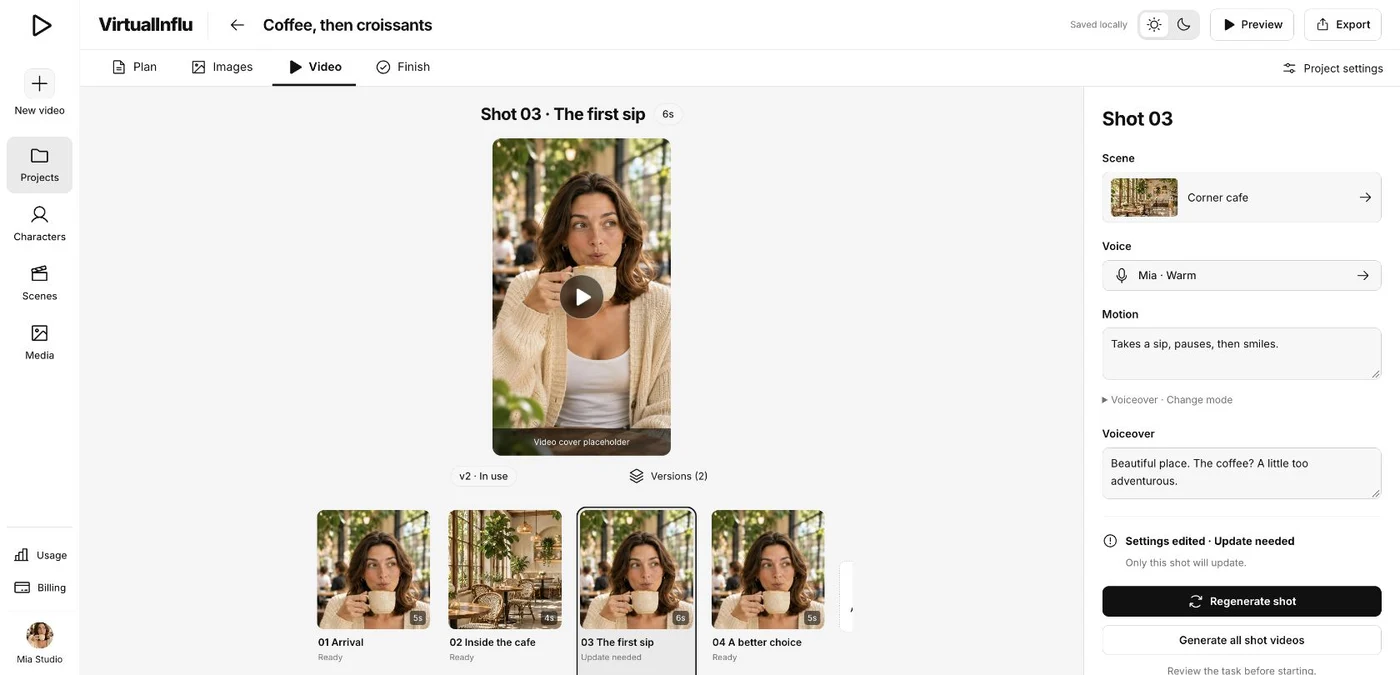
Use a concrete action such as enters, notices, or reacts. Read the action list aloud to see whether the sequence makes sense.
Review the sequence
Check where a change of angle or pace helps. Update a shot in the plan first, then review the images before choosing video versions.