Make your first video
Go from a saved character to a short video project, one step at a time.
Demo walkthrough · Media and export are simulated.
On this page
Create a character
Open Characters, create a character, then save your chosen look and default voice. If you have a ready character, choose it when you start a video.
Start a new video
In New video, choose Create your own story and pick a lead character. Share your idea with the story assistant, adjust its proposal, then generate and review the storyboard before creating a video.
Build your shots
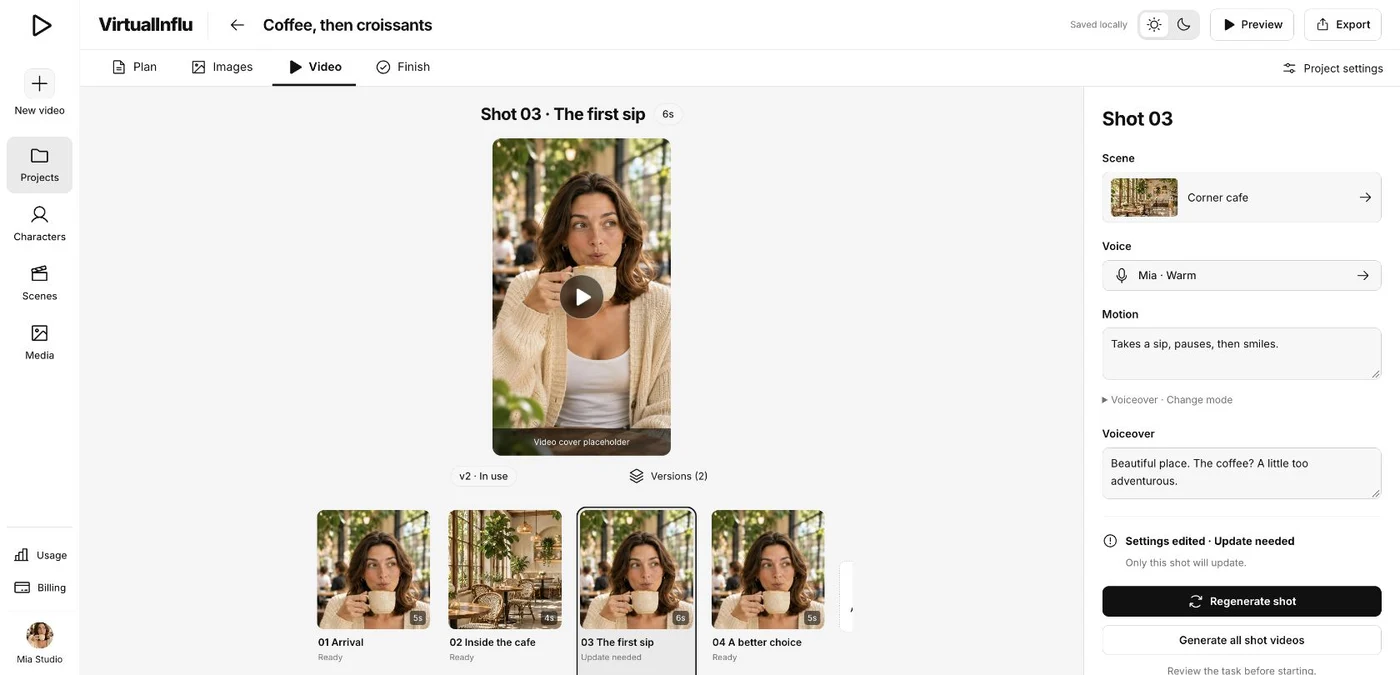
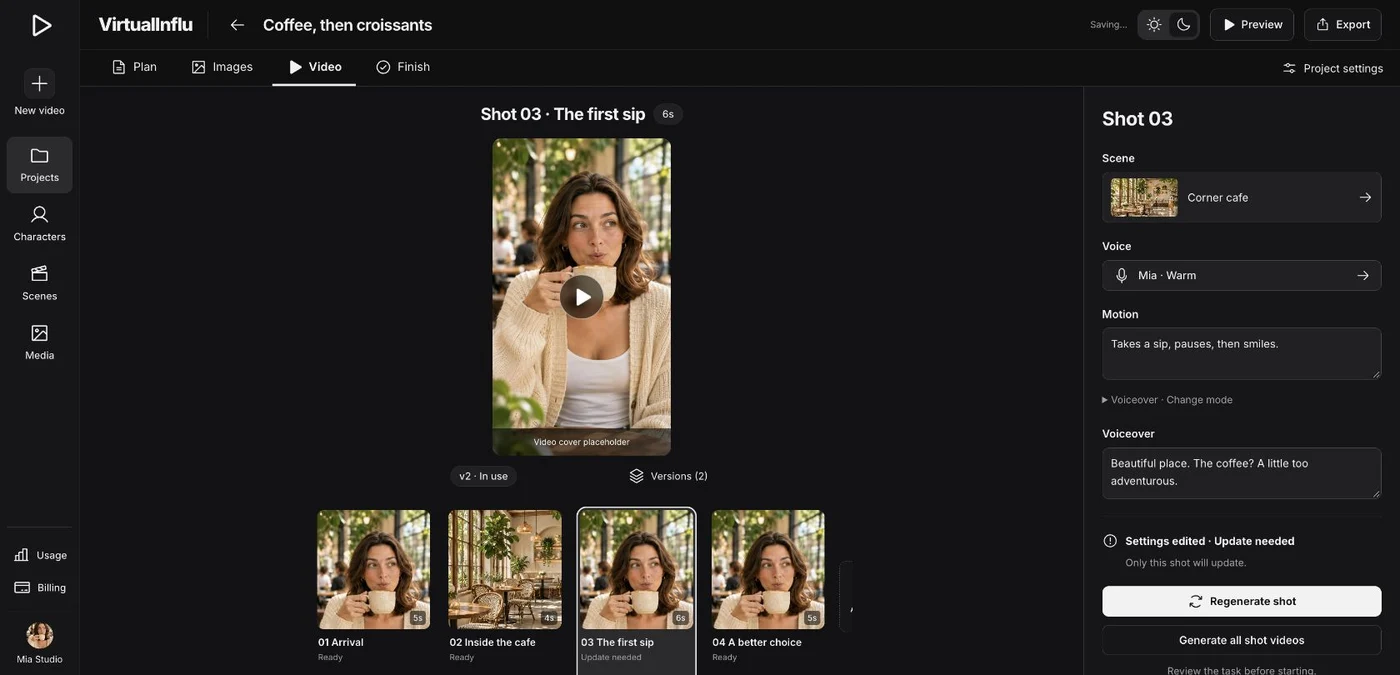
Review the Plan, then generate and choose the Images and Video versions to use. A preview leaves the adopted version in place until you choose a replacement. If a demo task fails, retry the affected shot.
Review and export
Open Finish to review the sequence and captions. Export checks your shots before creating an export record. The demo downloads a JSON snapshot of the adopted versions.